Difficulty - Medium
### The Issue When you open Keynote or Pages, the screen shows that the application "needs an update". This document shows the fix: [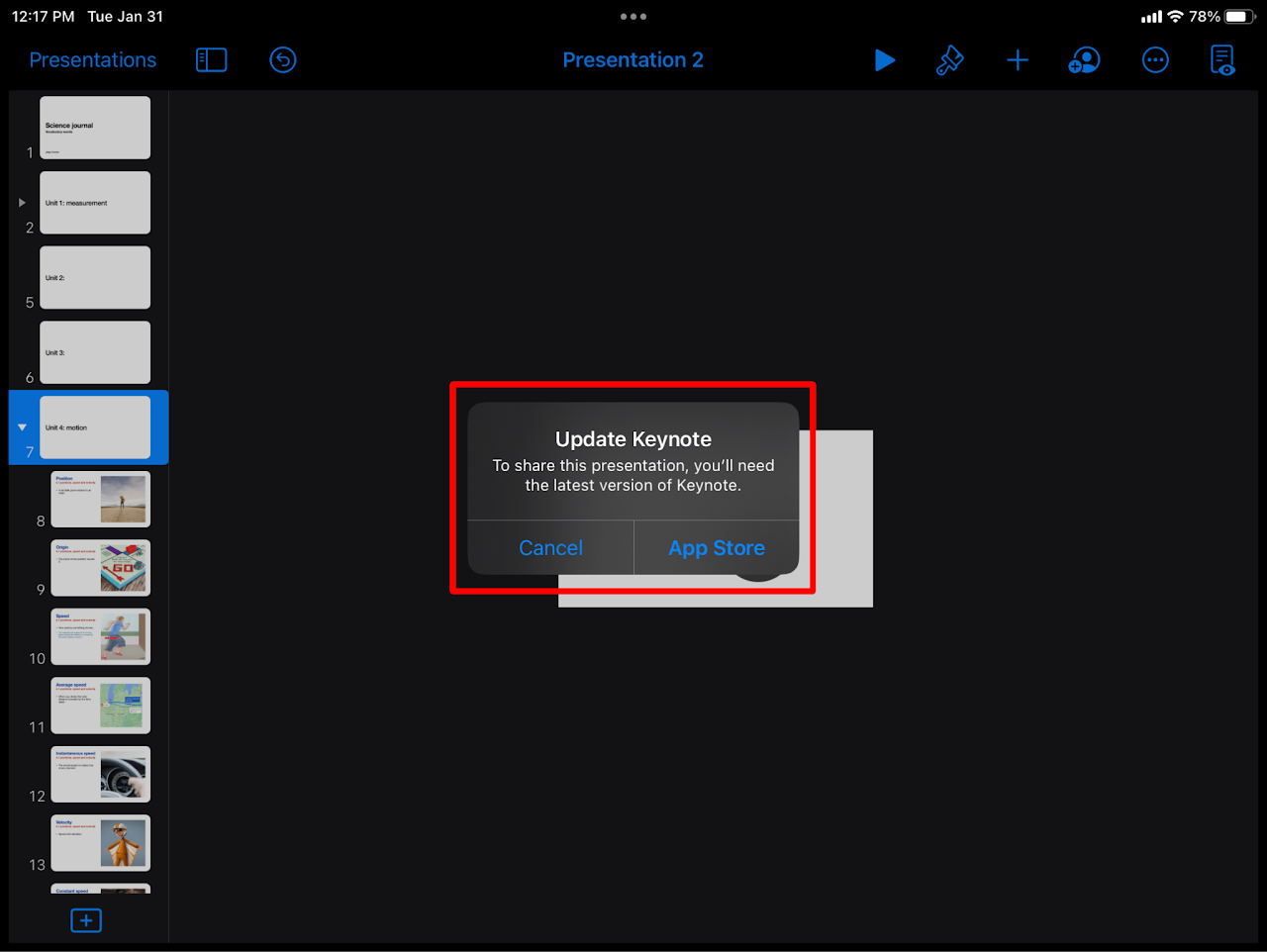](https://wiki.pwbstem.club/uploads/images/gallery/2024-01/update-keynote-pages-the-issue.png) ### Step 1 - Delete Keynote/ PagesArticle/ Instructions Here
All files saved in keynote or pages NEED to be saved elsewhere. By deleting these applications, you run the risk of deleting files as well.
### Step 2 - Open "Self Service" Open the self service app on your iPad. [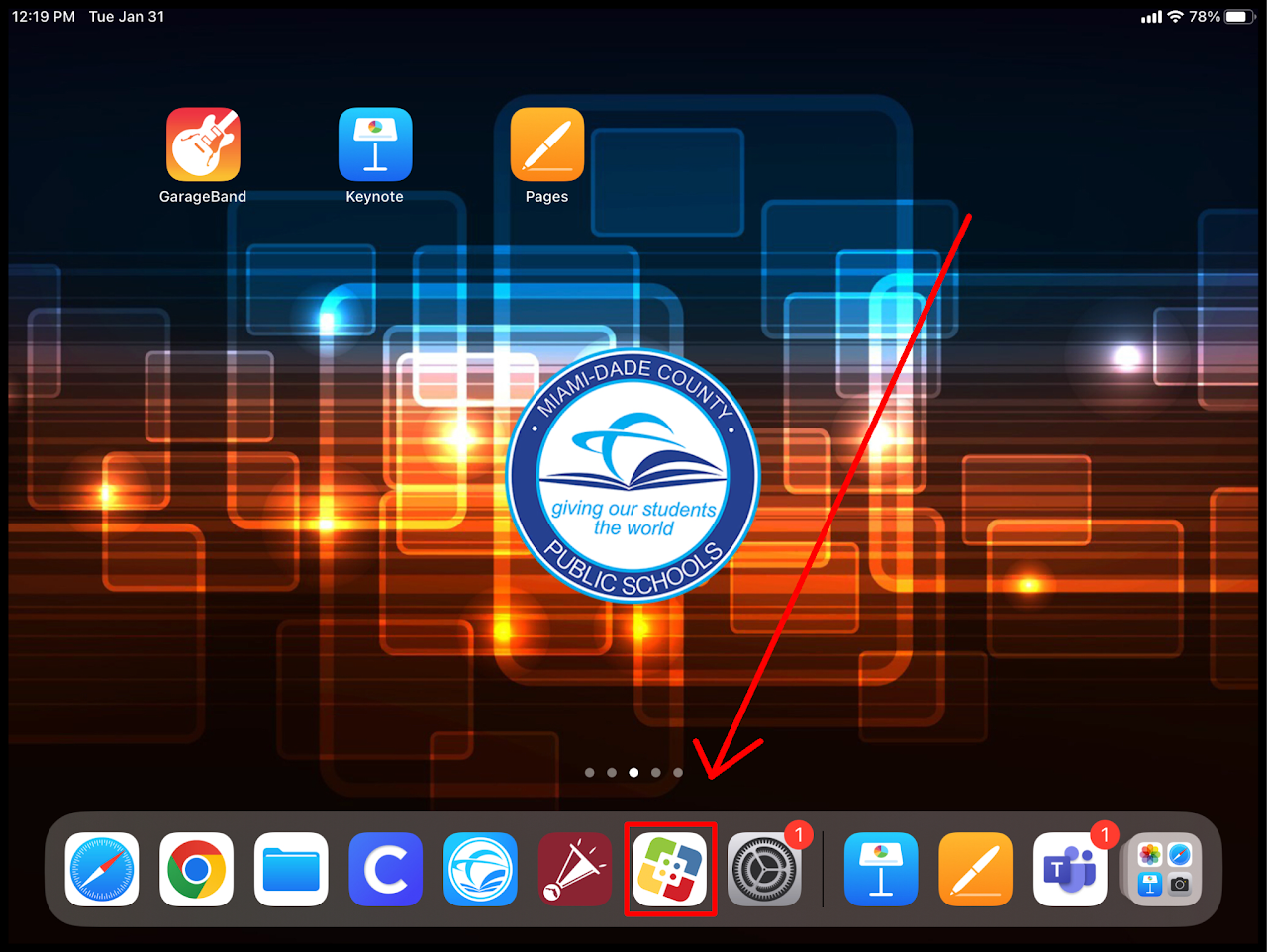](https://wiki.pwbstem.club/uploads/images/gallery/2024-01/SRjmedia.png) ### Step 3 - Re-Install Keynote/Pages Find the application that needs to be reinstalled on the list. Tap reinstall. [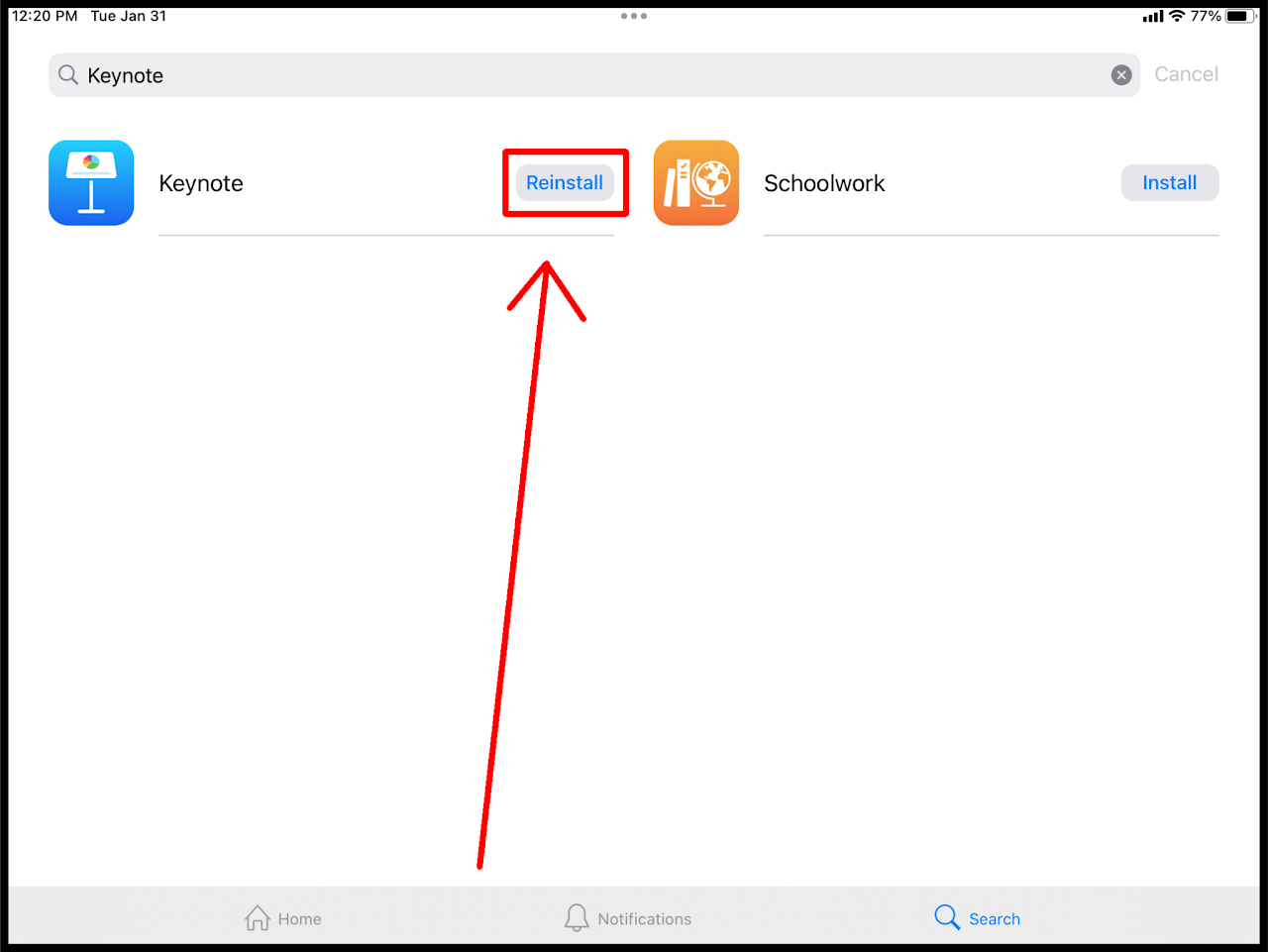](https://wiki.pwbstem.club/uploads/images/gallery/2024-01/9iSmedia.png)Make sure the app is FULLY UNINSTALLED before reinstalling. Reinstalling without a complete uninstall will be problematic.