**Remember:** Some roaming functionality is not perfect yet. We're working on getting it all up and running.
### Connecting... 1. Laptop - Make sure your laptop or client is on: "StemSpot" 2. Using the name of the car, you can connect to it in your browser, like: http://PiCar<num>:8000 **Ex: [http://PiCar3:8000](http://PiCar3:8000)**You can always use the IP if the car name is not working**. Use an app like [fing.](https://www.fing.com/)**
You should be met with this screen. This allows you to control the car, and make necessary calibrations in the settings tab. [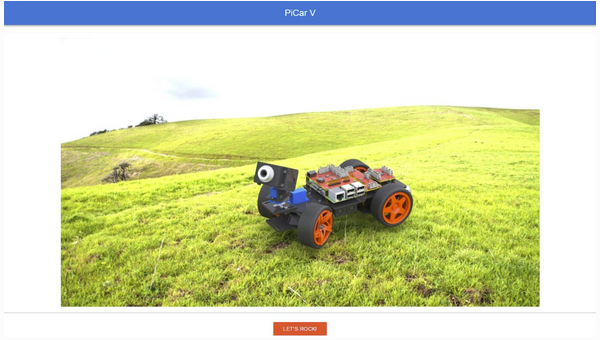](https://wiki.pwbstem.club/uploads/images/gallery/2024-02/uEgimage.png) [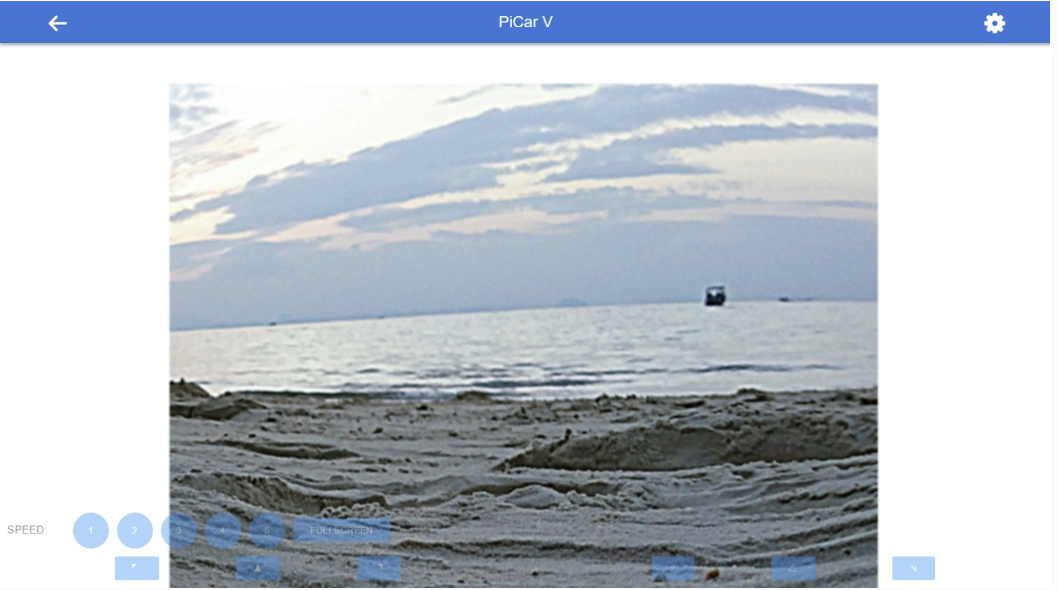](https://wiki.pwbstem.club/uploads/images/gallery/2024-02/iyyimage.png) ## **Happy Driving!!!**